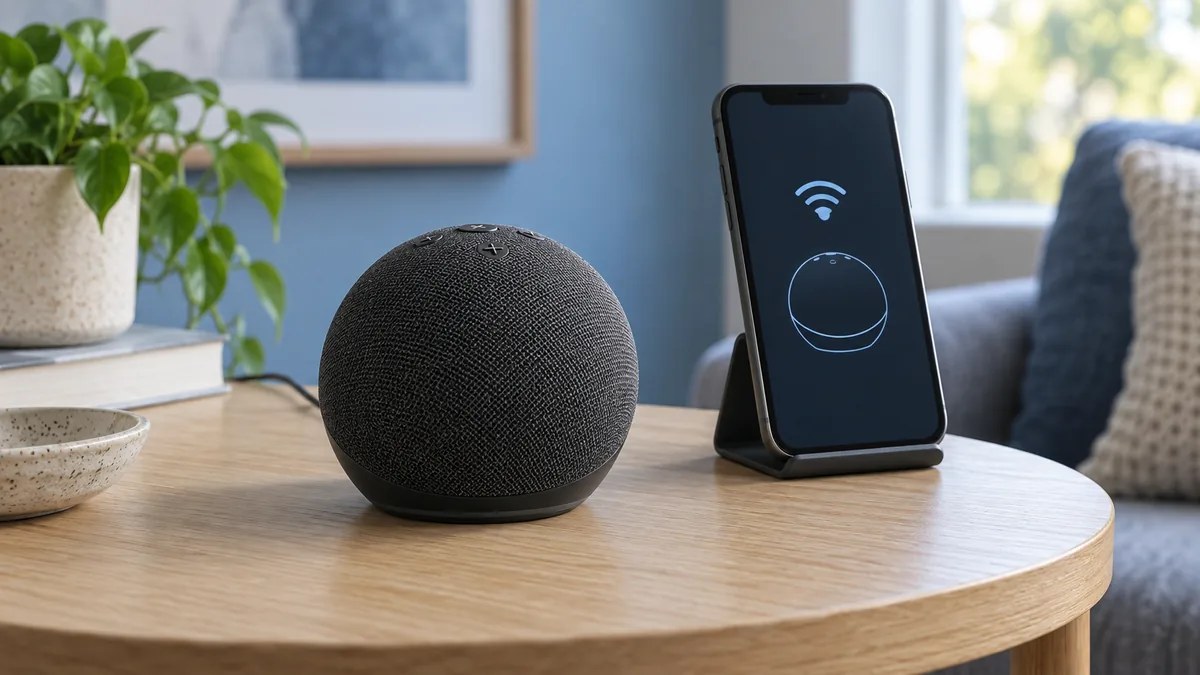
Echo Dot Won’t Turn Orange? Check Setup Mode First
Check power, setup mode and Wi-Fi changes before resetting an Echo Dot that will not turn orange.
Smart home how-to guides help you solve device problems, repair automations, and make safer choices before changing your setup. Choose the topic that matches the problem in front of you.
Start with the device or symptom you see. Each article gives you a clear path through the checks that matter for that issue.
Decode Echo lights, stop stuck listening, and repair routines that miss their schedule.
Check power, setup mode and Wi-Fi changes before resetting an Echo Dot that will not turn orange.

Decode Echo light colors and decide whether the device is listening, notifying, updating, or stuck.
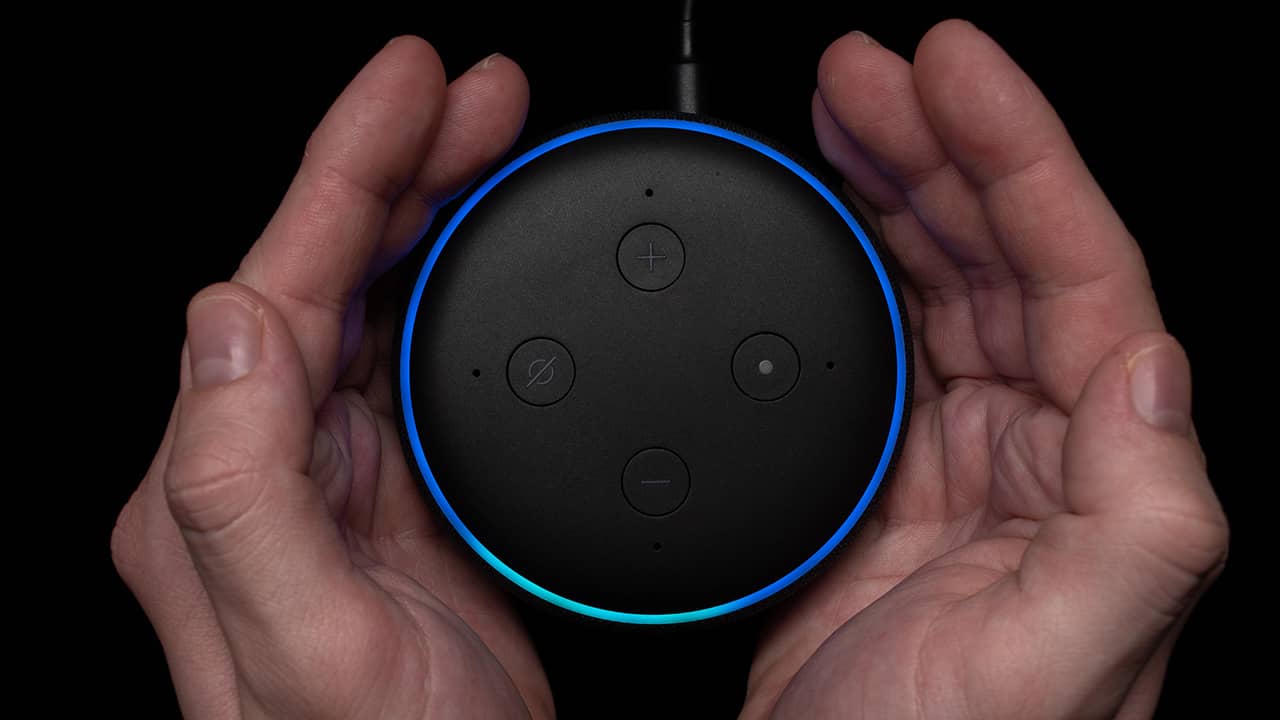
Work through stuck processing, frozen commands, network trouble, and Echo reset options.
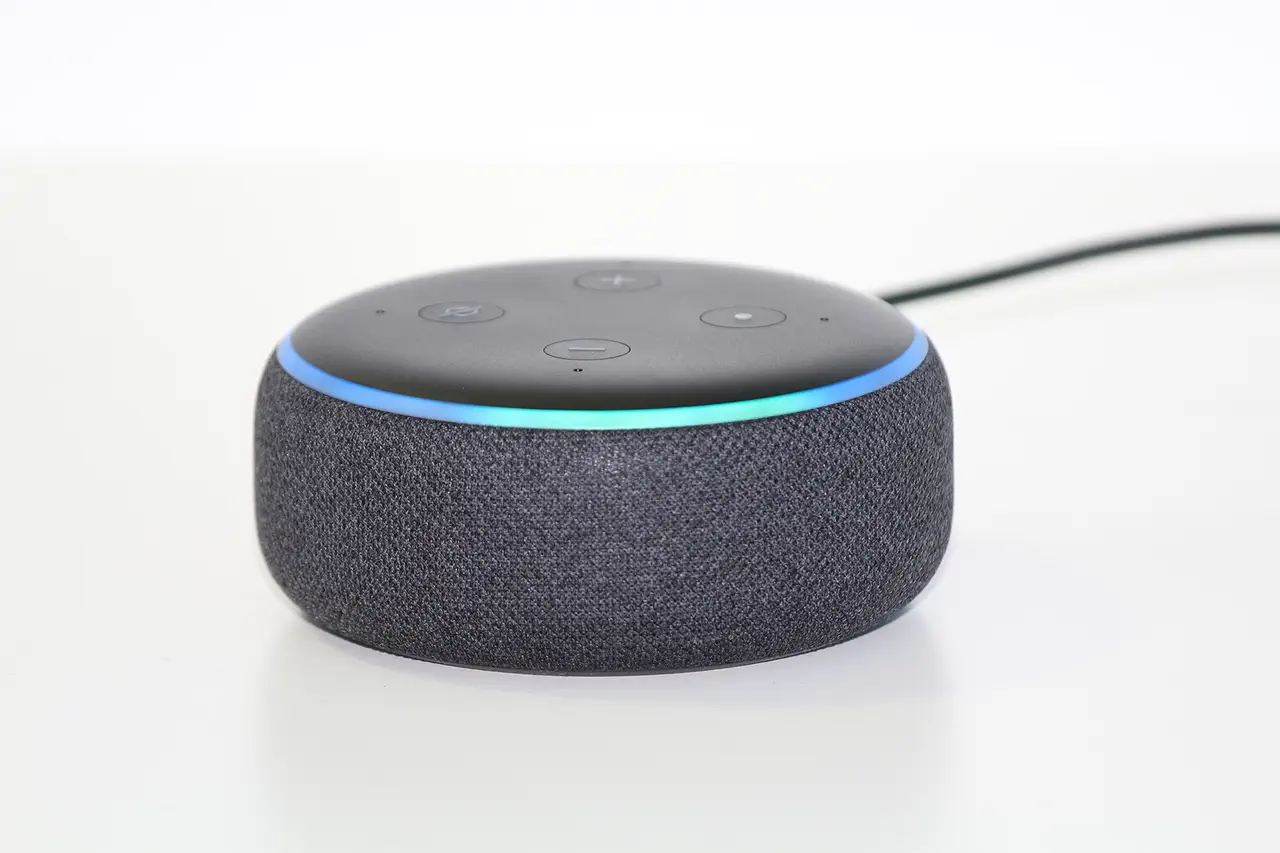
Identify solid blue ring states and fix Echo devices that stay lit or stop responding.
Learn what an idle Echo hears, when audio goes to Amazon, and how mute and voice history controls work.
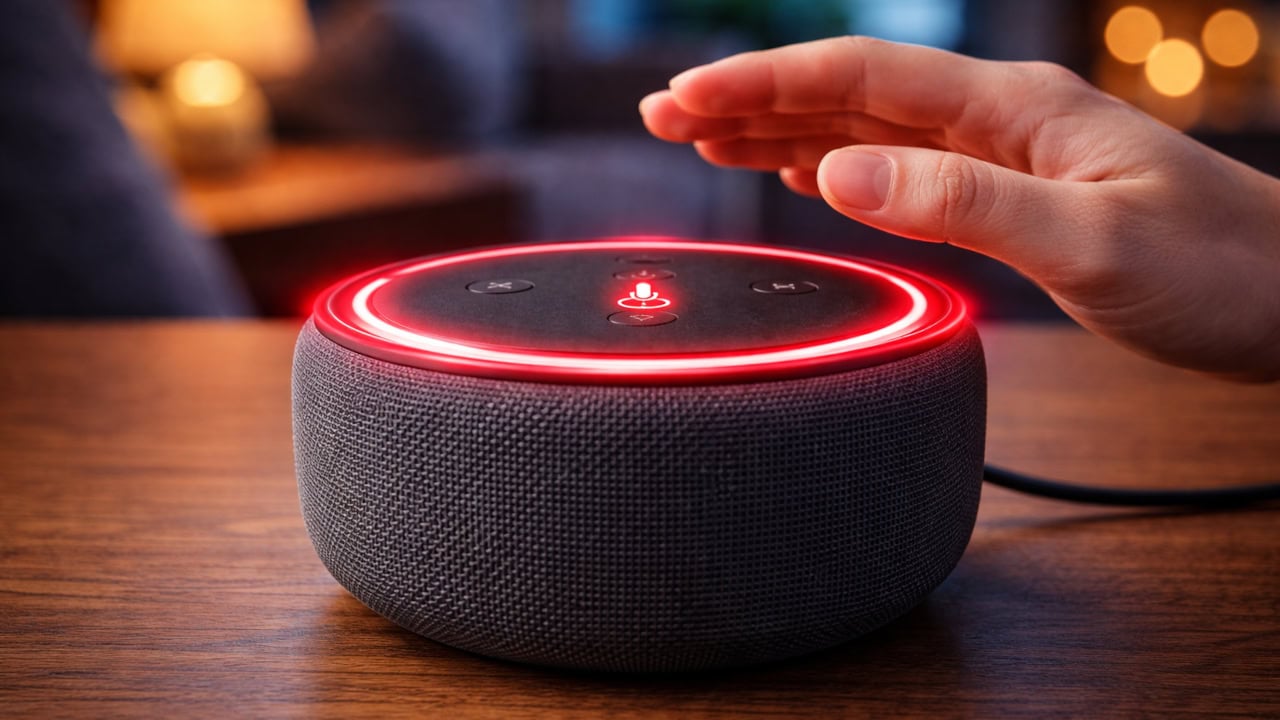
Stop stuck listening states, false wakeups, and blue light loops on Echo speakers.

Fix Alexa routine schedules by checking time zones, WiFi, app state, and routine conflicts.
Fix slow or missing automations and manage Alexa, Google Home, and HomeKit in one home.
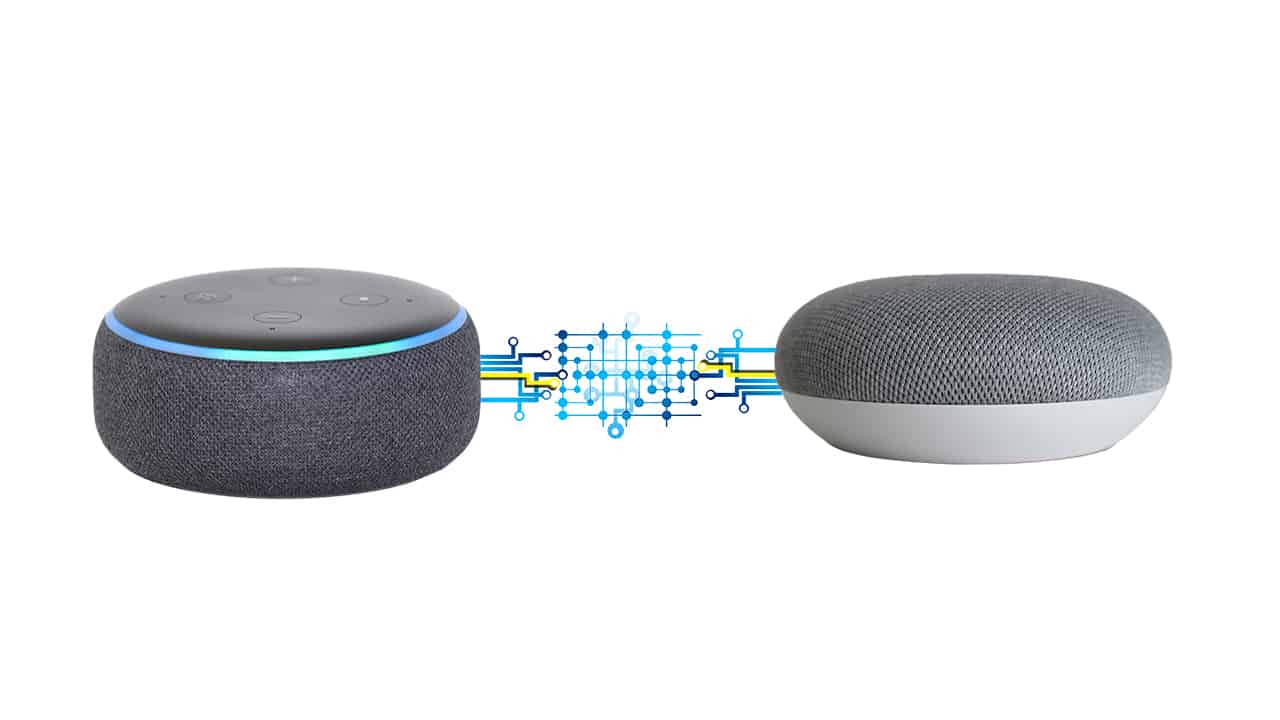
Plan a hybrid assistant setup and avoid duplicate devices, routines, and naming conflicts.
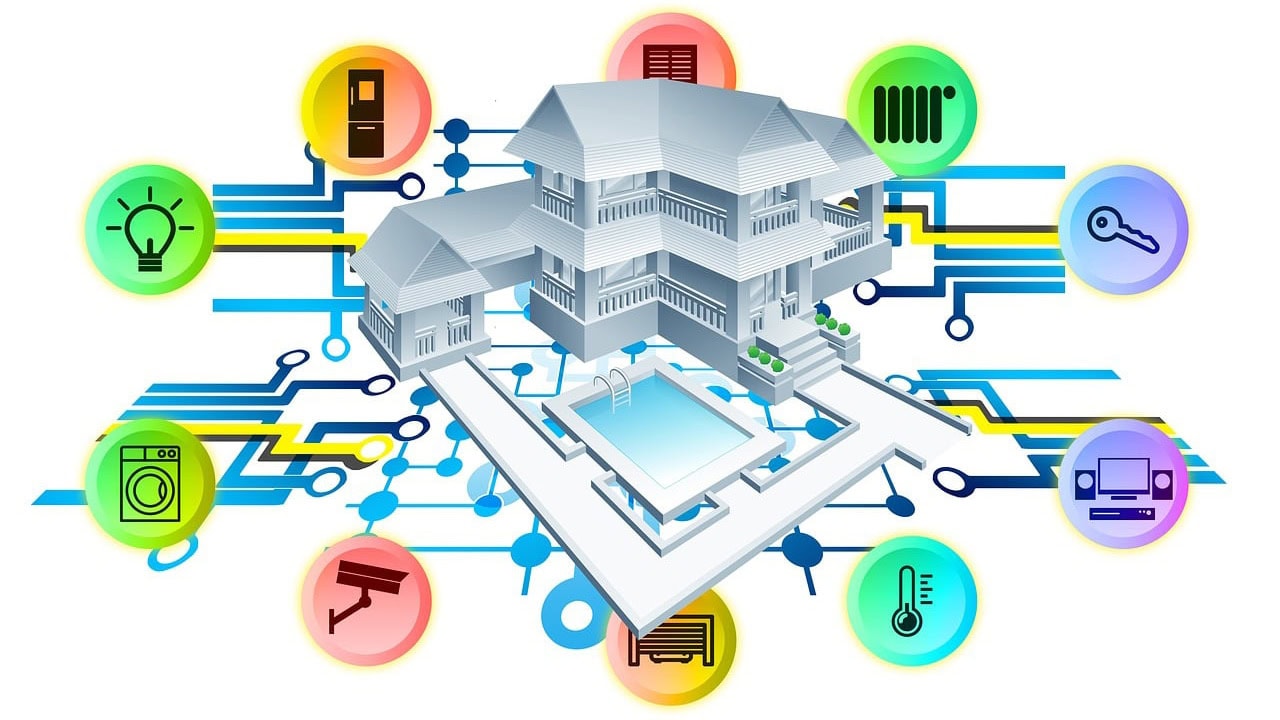
Reduce slow Google Home routines by checking WiFi, action count, cloud delays, and firmware.
Get HomeKit automations firing again by checking hubs, conditions, location, and device state.
Check standby power, appliance limits, water controls, and what keeps working when WiFi drops.
Find out which light schedules survive an internet outage and why power loss can change the result.
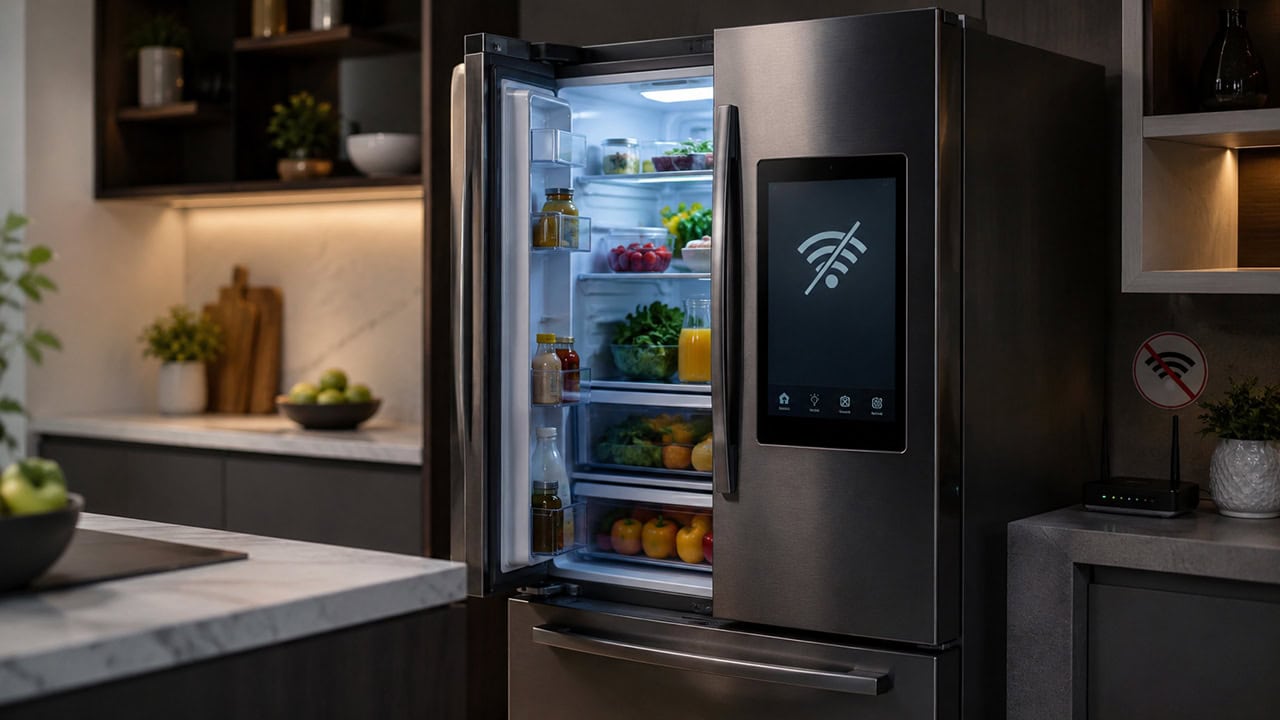
Separate refrigerator functions that keep working locally from smart features that need the cloud.

Check kettle switch behavior, wattage ratings, and safety margins before automating a boil.

Estimate smart plug standby cost and compare it with the energy saved by cutting idle loads.
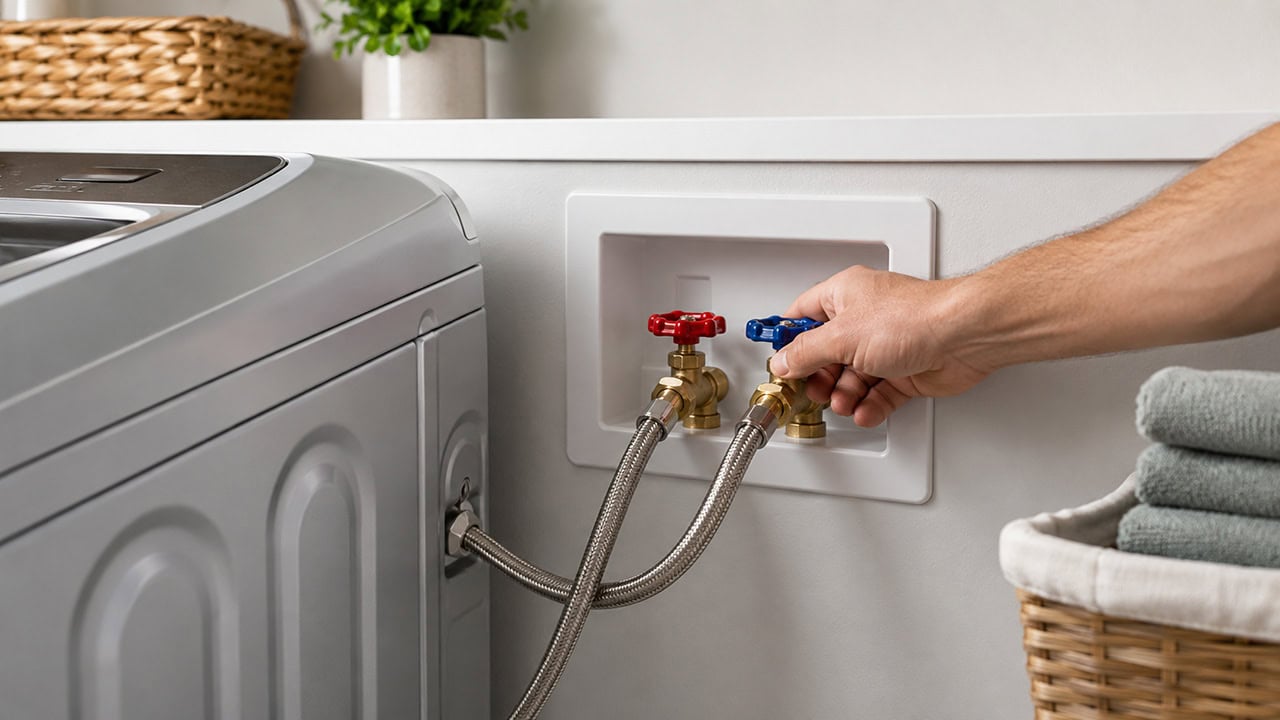
Compare manual, automatic, and smart water shut-off valves for laundry flood prevention.
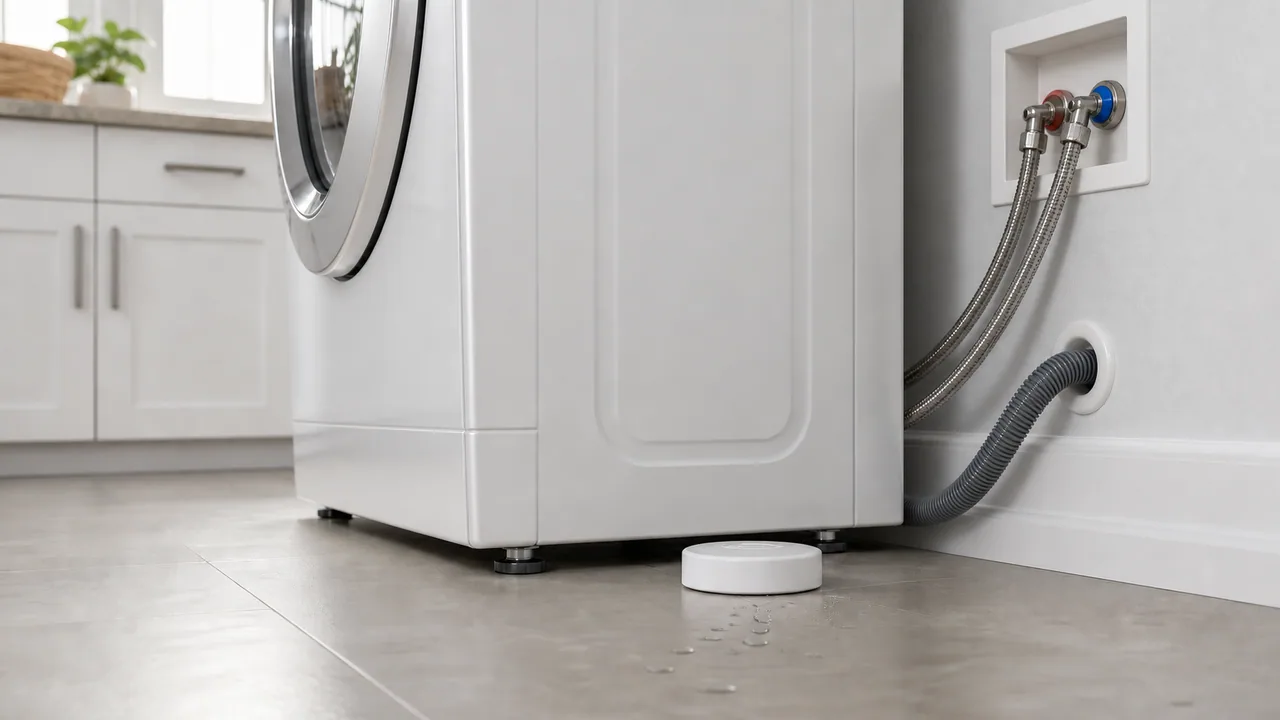
Position spot, cable, and probe sensors where washer leaks will reach them early.
View cameras from a laptop or phone and choose a practical screen for a security system.
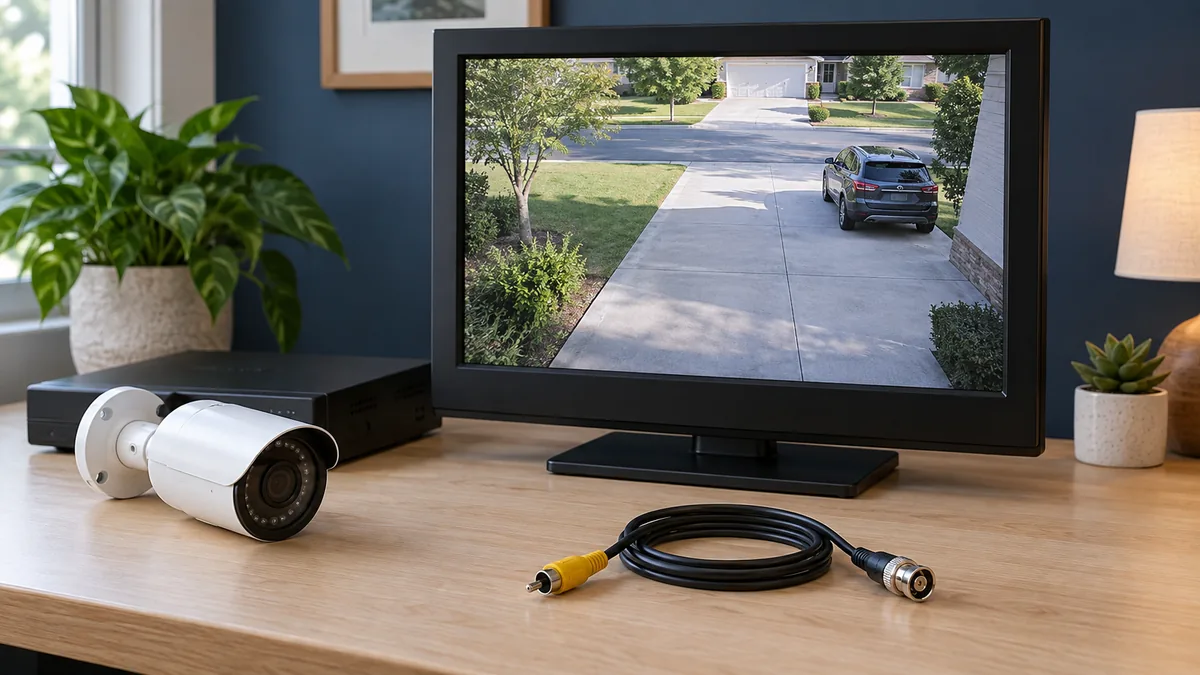
Match composite or VGA connections and video formats before buying a CCTV cable or converter.
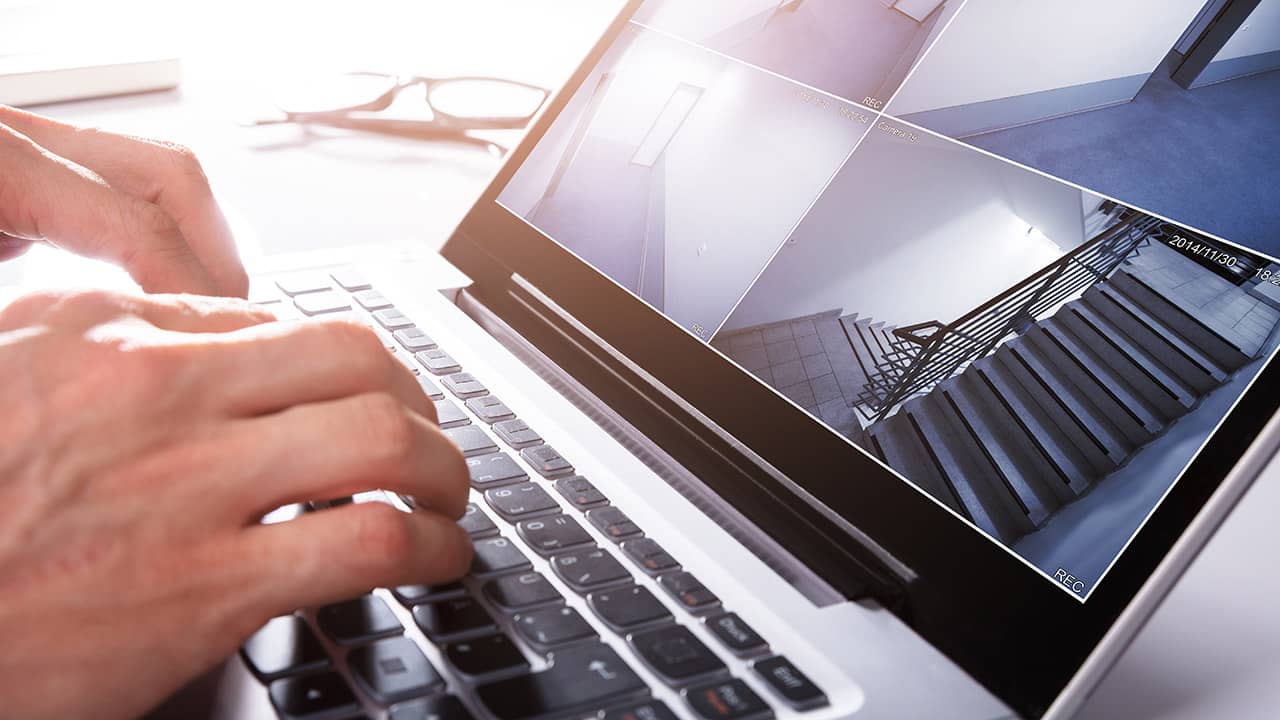
Use capture cards or network viewing to turn a laptop into a practical CCTV display.
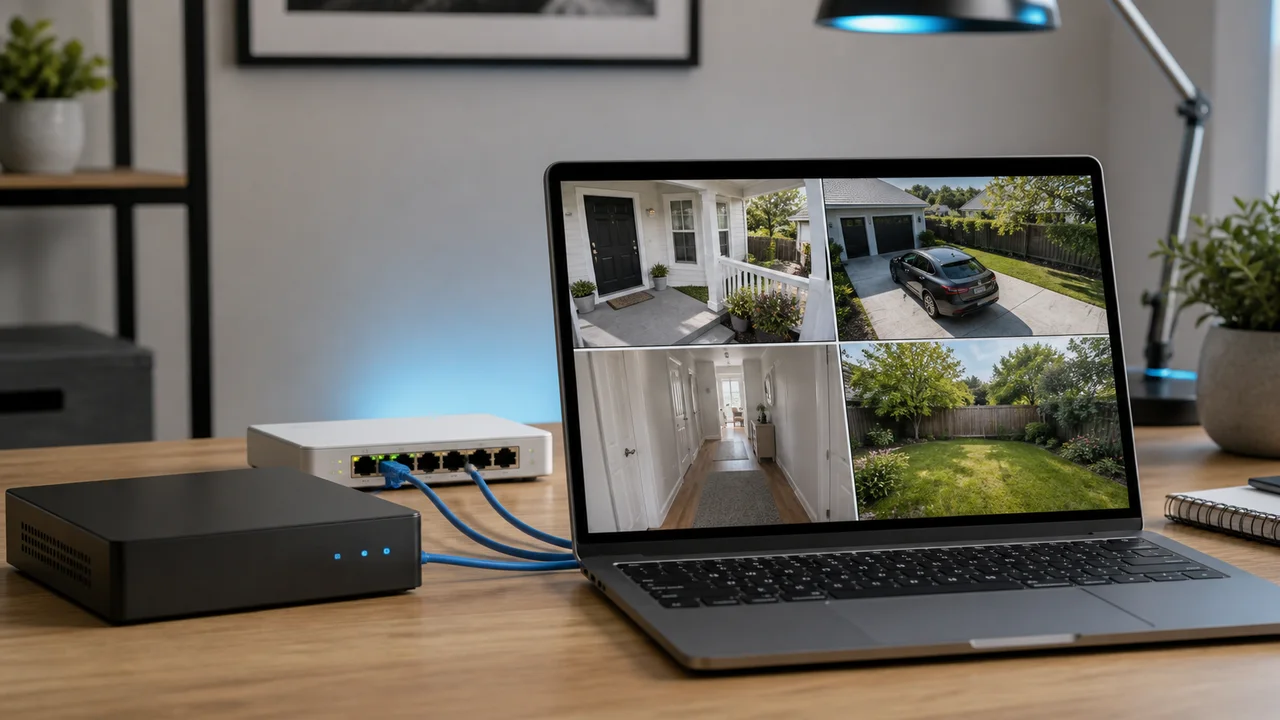
Open local camera feeds with a maker app or supported web page on the same network.

Compare app-based viewing, browser access, port forwarding, upload speed, and security basics.

Choose between security monitors, TVs, and computer displays for camera viewing.